
Business Network Installation in Metro Detroit
New office, more people, or equipment that has run out of road. We design and install the switches, firewalls, and Wi-Fi your business runs on, then label and document all of it so it is easy to support later.
- Wired and wireless designed together
- Labeled and documented on every job
- Local install team across Metro Detroit
When patching the network stops being the cheaper option
You are opening a second location. You are moving into a space where the last tenant left a wall of unlabeled cable. Your Wi-Fi was fine with twelve people and now there are thirty. Somebody added a small switch under a desk to get by, and then somebody added another one.
A network that got pieced together over several years almost always costs more to support than one that was designed once and built properly. Every fix takes longer because nobody knows what is plugged into what.
Building it right one time is usually the cheaper decision over the life of the office.
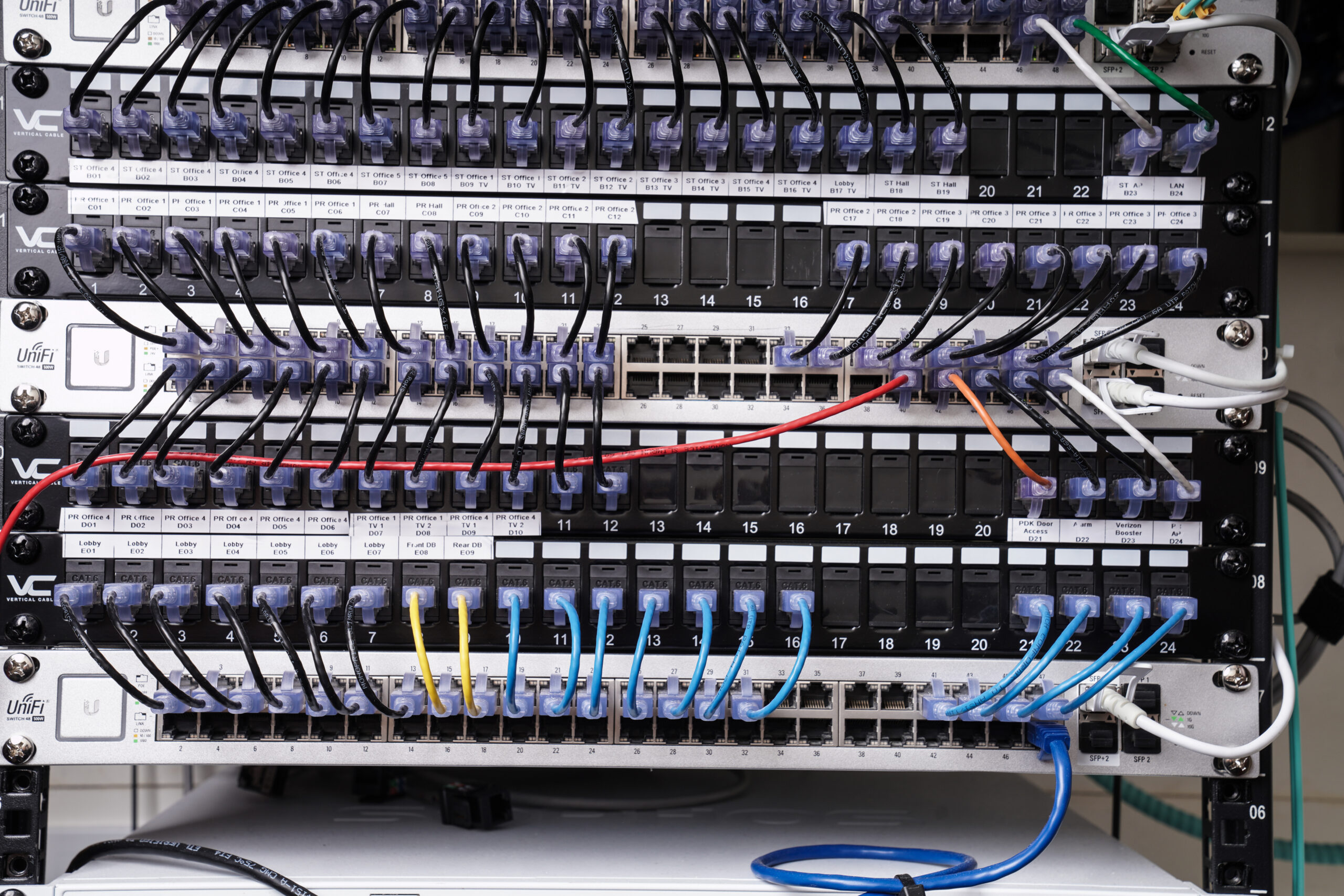
We design and install business networks across Metro Detroit, wired and wireless. That includes the switches, firewall, access points, battery backup, and the rack it all lives in, plus the labeling and documentation that makes the next repair fast instead of slow.
Let's take a look at your setup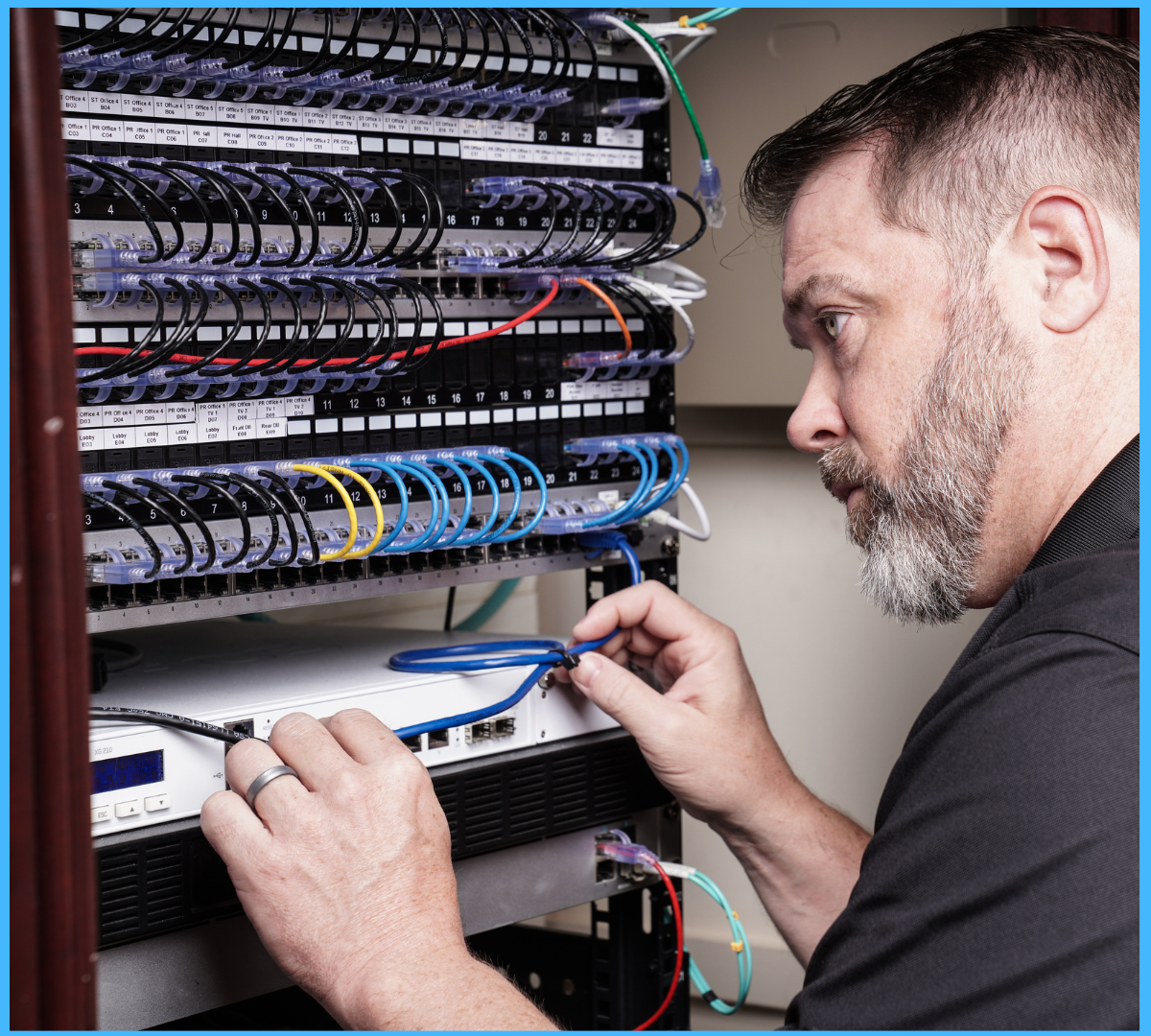
What actually goes in a business network
Most owners have never had anyone explain the equipment they are paying for. Here is the short version. Choose a piece to see what it does and why it is there.
Illustration of a typical small office rack.
Office Wi-Fi that covers the whole building
Wi-Fi problems are rarely about the internet. They are almost always about where the access points are and how many devices are sharing each one.
Access point placement is most of the job
Two offices can buy the exact same access points and get completely different results. The signal still has to get through whatever is in the building. Brick, block, glass, metal shelving, a walk-in cooler, an elevator shaft. A floor plan does not show you any of that.
One unit sitting in the server closet is the setup we walk into most often, and it is usually the reason the far end of the building has one bar. Switch between the two layouts to see what changes.
- Placed after a walkthrough, not spread evenly on a drawing
- Mounted in the open ceiling, not tucked behind a closet door
- Cabled and powered from the switch over one Ethernet run
- Managed as one wireless system instead of separate networks
Coverage drops off past the second wall. The conference room, the back of the warehouse, and half the open desks are all running on one bar.
Three access points in the ceiling, each cabled back to the switch, covering the floor with overlap so devices hand off cleanly as people move.
Coverage and capacity are two different problems
Most Wi-Fi complaints get treated as a coverage problem when they are really a capacity problem. The fix is different for each one, so it is worth knowing which one you have before anybody buys hardware.
Can the signal reach?
A coverage problem shows up in the same places every time. The corner office, the back of the warehouse, the patio, the far end of the second floor. It works fine near the closet and falls apart the further you walk.
Usually fixed by another access point in the right spot, cabled properly.
Can it handle everyone at once?
A capacity problem moves around. Everything is fine at 8 a.m. and crawls at 10 when the whole team is on video calls, or when the waiting room fills up. The signal is strong. Too many devices are sharing one access point.
Usually fixed by spreading devices across more access points and separating guest traffic.
Why adding another router usually does not fix it
This is the repair we get called in behind most often, and it is a reasonable thing to try. It just tends to make the network harder to use rather than faster.
- Buy a second router or a Wi-Fi extender.
- Put it near the room with the dead spot.
- Hope the signal reaches the rest of the way.
- You now have two wireless networks. Laptops hold onto the first one instead of switching.
- Both units often end up on the same channel and talk over each other.
- An extender repeats whatever signal it receives, so a weak signal gets repeated slowly.
- Two routers usually means two sets of settings and two devices handing out addresses.
- One wireless system with access points that hand devices off as people walk.
- Channels set so your own units are not competing with each other or the neighbors.
- Each access point wired back to the switch, so nothing is repeating anything.
- One place to manage all of it, and a guest network kept separate.
We walk the building before we quote access points
Square footage on a floor plan does not tell you what a brick wall, a metal mezzanine, a cooler, or the tenant next door is doing to your coverage. So we come out and check it in person.
We test signal in the spots people actually work, look at which nearby networks are competing with yours, count the devices that need to connect, and note where power and cable can realistically run. Then access points get placed based on that instead of spread evenly and hoped for.
What you get back
- Where the weak spots are and what is causing them
- How many access points the space needs and where they go
- Which equipment you already own is worth keeping
- What cable or power work has to happen first
- A quote with equipment, labor, and a timeline
Not sure if it is coverage, capacity, or the equipment?
That is what the assessment is for. We walk the space, test the wireless, and tell you plainly what we would change and what it would cost.
Office moves, new locations, and room to grow
Moving to a new space
Moves go wrong when the internet is not ordered early enough or nobody checked what the last tenant left behind. We look at the new space before move day, tell you what carries over and what does not, and get the network live so your team can work on day one.
Opening a second location
The second office is where standardization pays off. We build the new site with the same equipment and the same setup as the first, so support is the same conversation no matter which location calls.
Designing for growth
We size the switch, the power, and the cable runs for where the business is headed, not just today's headcount. Leaving open ports and a little headroom costs very little up front and saves a rebuild in two years.
Network installation often runs alongside the physical cable work. We handle both, so the cable drops, the rack, and the equipment are planned as one job instead of two vendors working around each other. See our structured cabling services if the building needs new runs.
How a network installation runs
No surprises. Step through what a project looks like from the first call.
Already have the equipment in place?
If the network is built and the problem is that nobody is watching it, that is a different service. Our managed network service monitors, maintains, and documents your equipment on an ongoing basis, and handles the internet provider calls when something goes wrong.
Why it matters
Reliable connections across locations
Every site built the same way, so one office is not the odd one out.
Room to grow built in
Open ports, spare capacity, and cable paths that can take the next hire.
Fewer mystery problems
Labeled ports and a documented layout mean faster repairs later.
Installed by a local team
The people who design it are the people who show up to build it.
Real Network Projects
See how we've built cleaner, more reliable networks for Metro Detroit businesses.
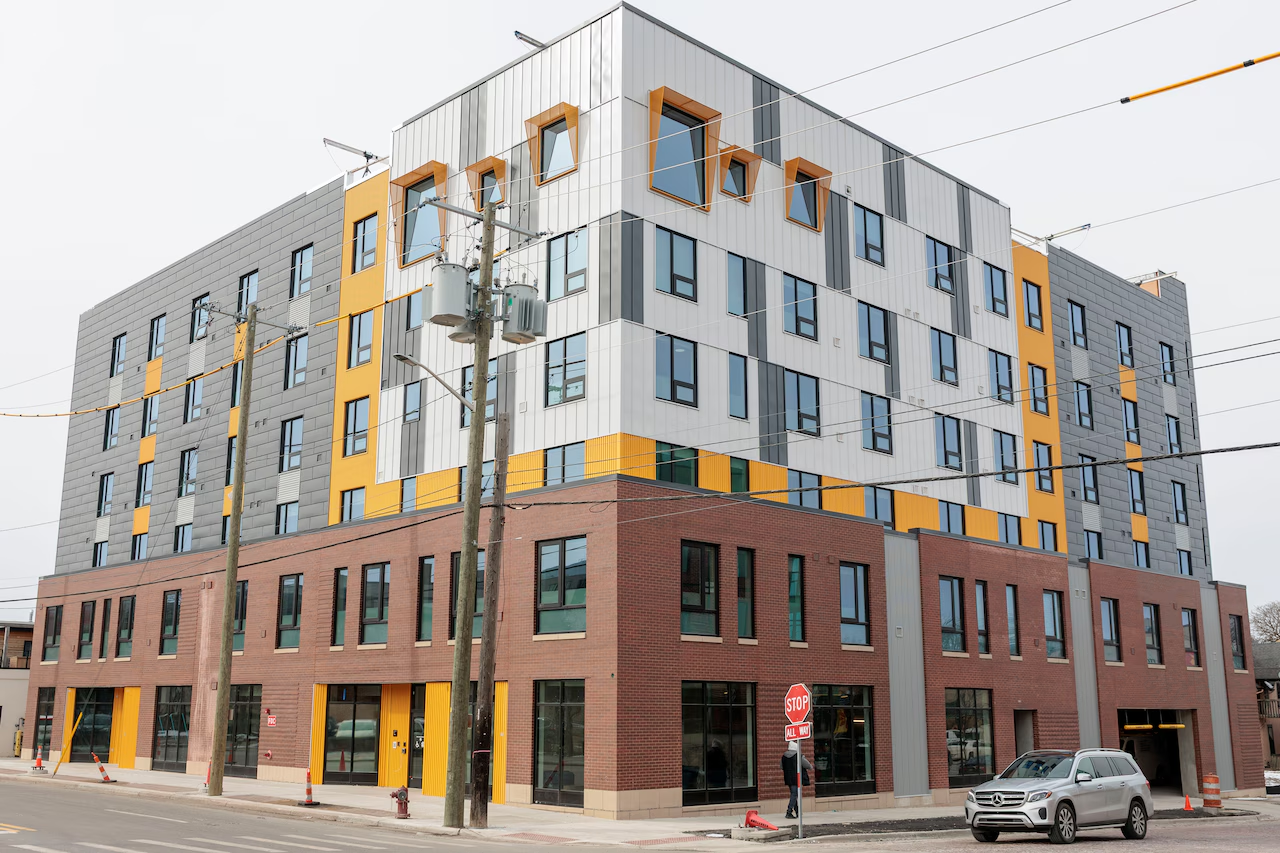
Dunbar Tower
28 access points, 6 switches, and a standardized topology across the property.
See the case study →
Decker Dermatology
Firewall, 48-port switch, backup battery, and 7 access points for a new medical office.
See the case study →
Dime Store Detroit
PoE switching, surge protection, and a fully organized network setup.
See the case study →
Ahee Jewelers
A full network refresh supporting a Patek Philippe showroom expansion.
See the case study →
Topa Rooftop Bar
Access points and network readiness for a rooftop bar at AC Hotel Detroit.
See the case study →
Whistle Stop Hobby & Toy
A new business network with two access points for storewide coverage.
See the case study →Network installation questions we get a lot
If it is the same rooms every time, that is a coverage problem and the signal is not getting there. If it is the same time of day in every room, that is a capacity problem and too many devices are sharing one access point. Those need different fixes, which is why we test before quoting anything. See access point placement above.
If you are moving into a new space, adding access points, or you have already tried a couple of things that did not work, yes. A wireless site survey is a walkthrough where we test signal in the areas people work and find out what the building is doing to it. For a small single-room office it is usually overkill, and we will tell you that.
Sometimes, but usually not the way people hope. You end up with two separate networks, devices that hang onto the weaker one, and two units competing on the same channel. An extender also repeats whatever signal it receives, weak signal included. A wired access point in the right place almost always performs better. More on that here.
It depends on the layout and the device count more than the square footage. An open 4,000 square foot floor might need two. The same footprint split into exam rooms with block walls can need five or six. We count devices and walk the space, then give you a number we can stand behind.
It depends on the size of the space and whether new cable has to be run. A small office refresh can be a day. A buildout with new cable drops, multiple access points, and a new rack takes longer and gets scheduled around your hours. You get a timeline with the quote, not after the work starts.
No. We look at what you already own first. Equipment that is still supported and doing its job stays. We will tell you plainly which pieces are worth keeping and which ones are the reason you keep having problems.
Yes, and for most cutovers that is the better plan. We schedule the parts that interrupt people for evenings or weekends where it makes sense for the job and the building.
We do both. Running the cable and installing the equipment as one job means the drops land where the equipment needs them. See structured cabling for the physical side of the work.
You get the documentation for what was installed and how it is connected. From there you can support it yourself or have us keep watching it under managed network services. Either way, the network is documented well enough that a technician can pick it up.
Most of our installation work is across Metro Detroit and Southeast Michigan. If your location is further out, call and ask. We would rather tell you straight than take a job we cannot support well.
Build a network that is ready for what's next
Tell us what the space is and what the team needs to do in it. We will walk the building, show you what we would install, and put a number on it.
We'll Take IT From Here.